Private processing
Source and result files stay private and are served through protected storage routes.
100% automatically, up to 50 images at once.Free

or drop files here
JPG, PNG or WebP · up to 50 images · 10MB each
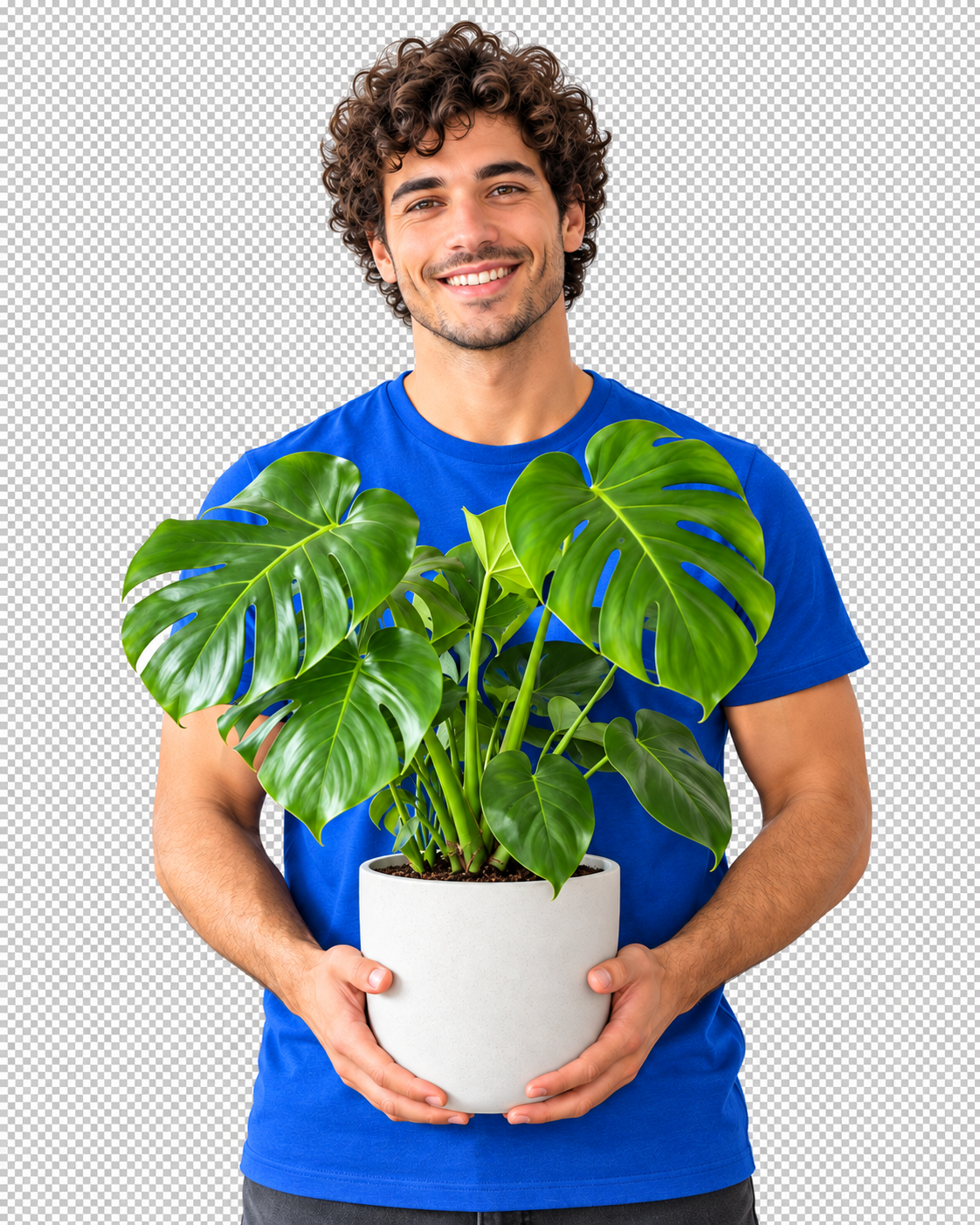
No image? Try one:
Source and result files stay private and are served through protected storage routes.
Every image runs independently, so one failure never stops the rest of your batch.
Apply the same background, crop, shadow, and output format across a whole batch.
Select up to 50 product photos, portraits, vehicles, or graphics at once.
BulkCutout removes every background independently and keeps the batch moving.
Inspect the results, apply one background treatment, and download a clean ZIP.
You can upload up to 50 JPG, PNG, or WebP images in one batch.
Yes. Each image is processed independently and only successful results are included in the ZIP.
Yes. Choose a transparent, solid-color, or uploaded image background and apply it to one image, your selection, or the whole batch.